
How it works
The system, explained once.
A correct mental model of the Sentor platform in under two minutes — for the plant manager and the network engineer alike.
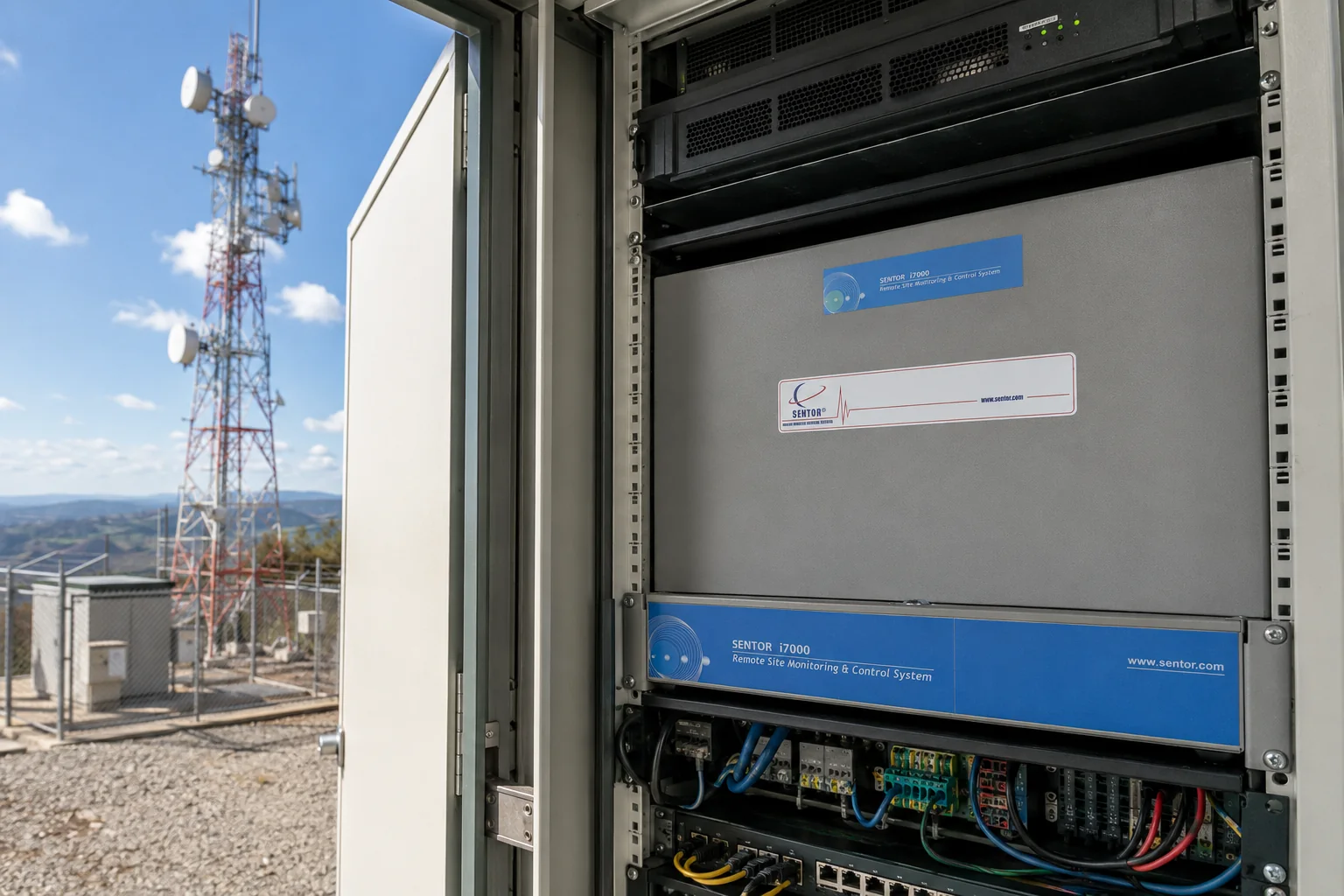
Step 1
Sense
Devices at the site feed readings into the controller.
Step 2
Decide
The ST3000 evaluates each reading against a programmed scenario, on-site.
Step 3
Act
Triggers relays, alarms or notifications immediately, and logs the event.
Step 4
Report
Data syncs to SitePRO, SenTrend or SentorCloud over your chosen connection.
Scenario programming — the “brains”
Every Sentor controller can run independently. Using SitePRO you program scenarios — if-this-then-that logic written as plain English statements and stored directly on the controller — so a site keeps working exactly as intended even when it loses its connection back to base.
That is why the processor matters. The decision about whether a reading is a fault, and what to do about it, is made at the site in milliseconds, not at the far end of a link that may not be up.

The software
What you actually look at
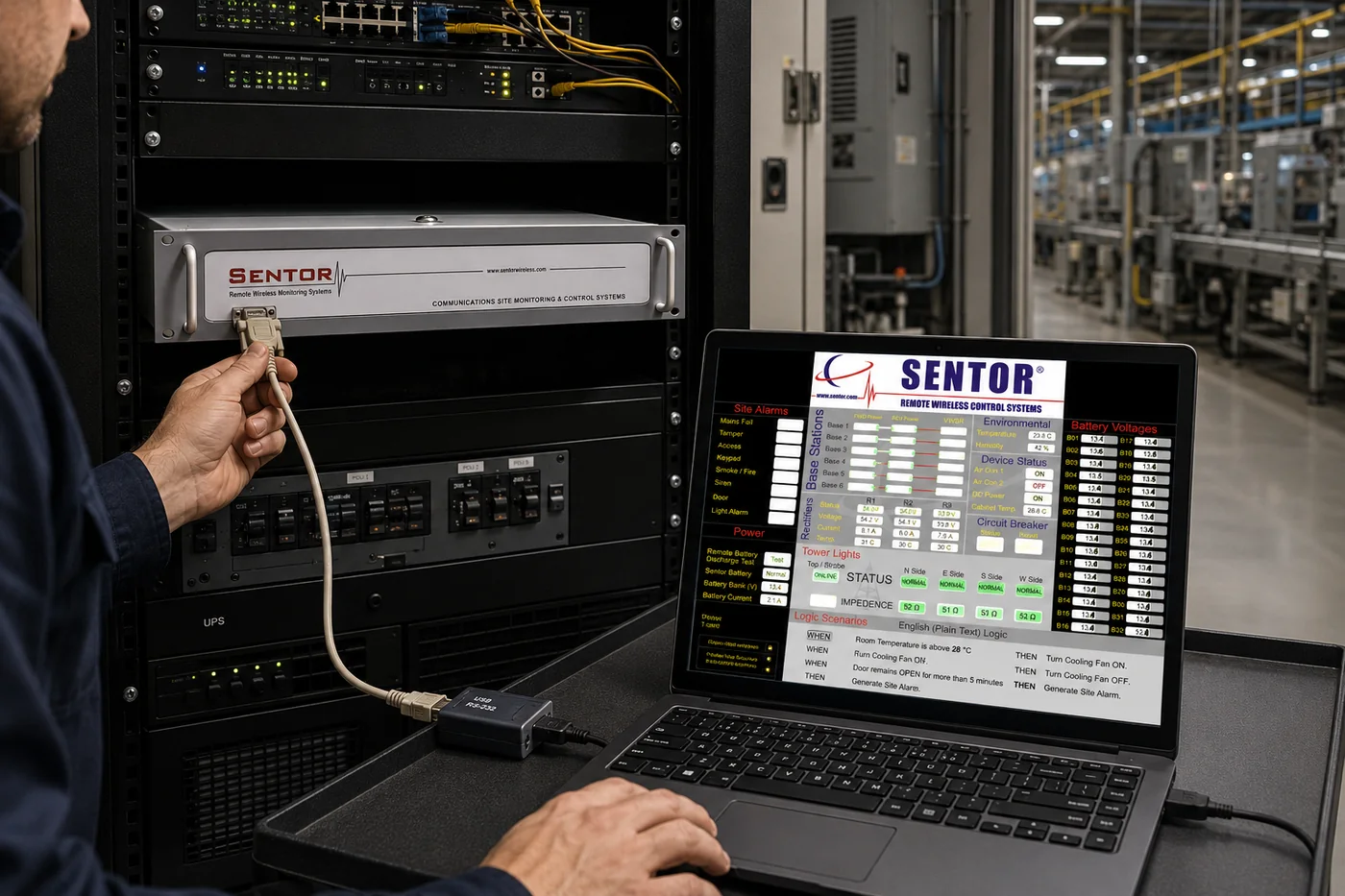
SitePRO — scenario programming
Logic is written as plain English statements rather than code, so the person who understands the site can write the rules for it.
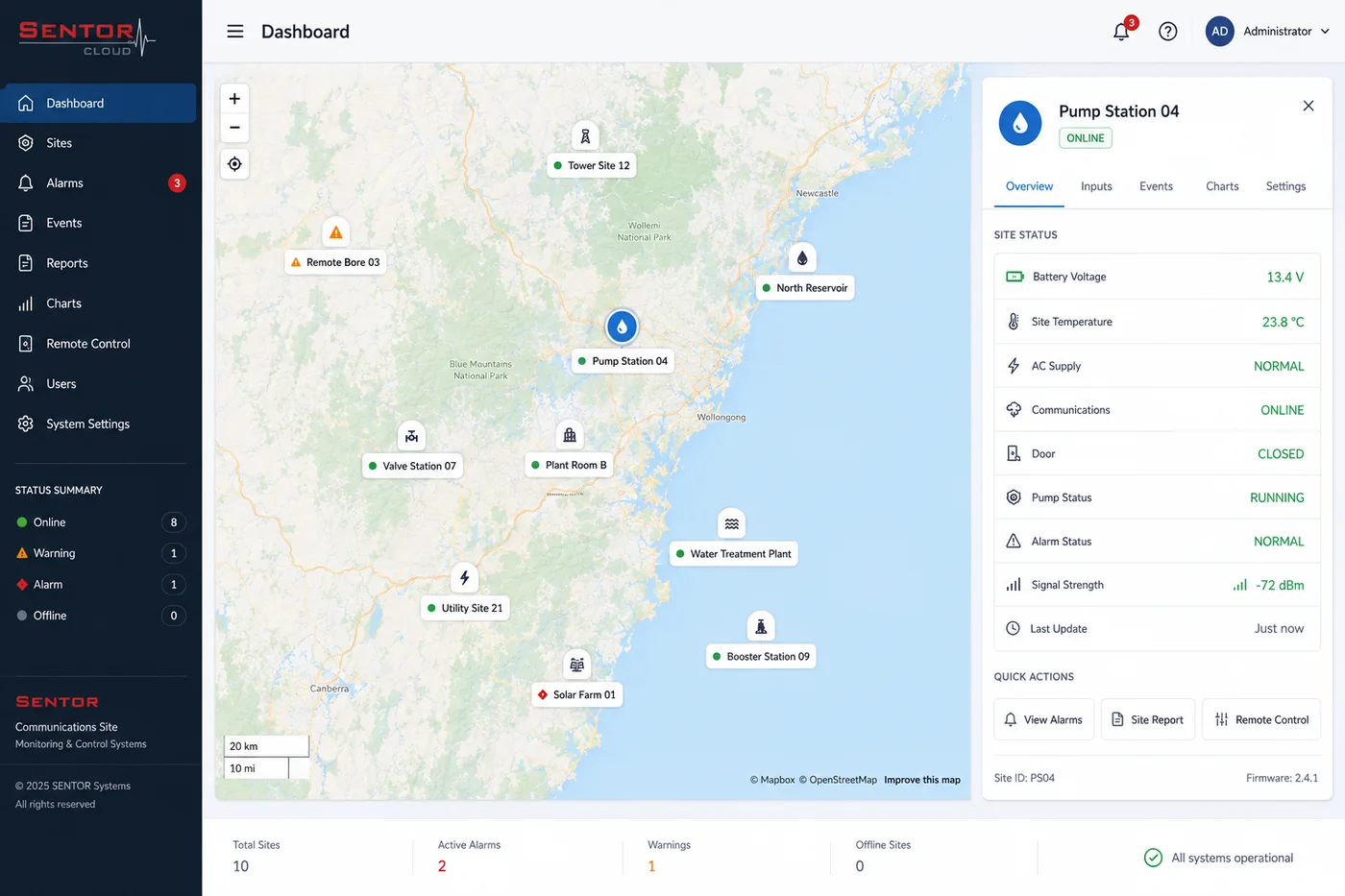
SentorCloud — every site on a map
Sites appear as markers; selecting one pans to it and opens its readings, from any internet-connected device.
Connectivity
Built for wherever your site is.
Not every site has reliable internet. Sentor connects however yours does — and different sites on the same network can use different methods.
Cellular
3G/4G, always-on, static IP — best for sites with mobile coverage. GSM, GPRS and CDMA bearers are supported.
Ethernet / IP
Direct TCP/IP connection over LAN, internet, fibre optic or DSL — best for sites already on a network.
Radio & microwave
RF modem or microwave link — best for remote sites with no cellular coverage.
Satellite & landline
Satellite backhaul where nothing terrestrial reaches, and dial-up where a phone line remains the most reliable option.
Whatever the bearer, the controller keeps running its scenario logic on site. The link determines how quickly you hear about an event, not whether the site handles it.
You do not have to be the one watching it.
Sentor can monitor your sites around the clock and notify the right person when something changes — the same platform, with the monitoring seat staffed by us.